
Adobe After Effects Training: What Creative Professionals Learn
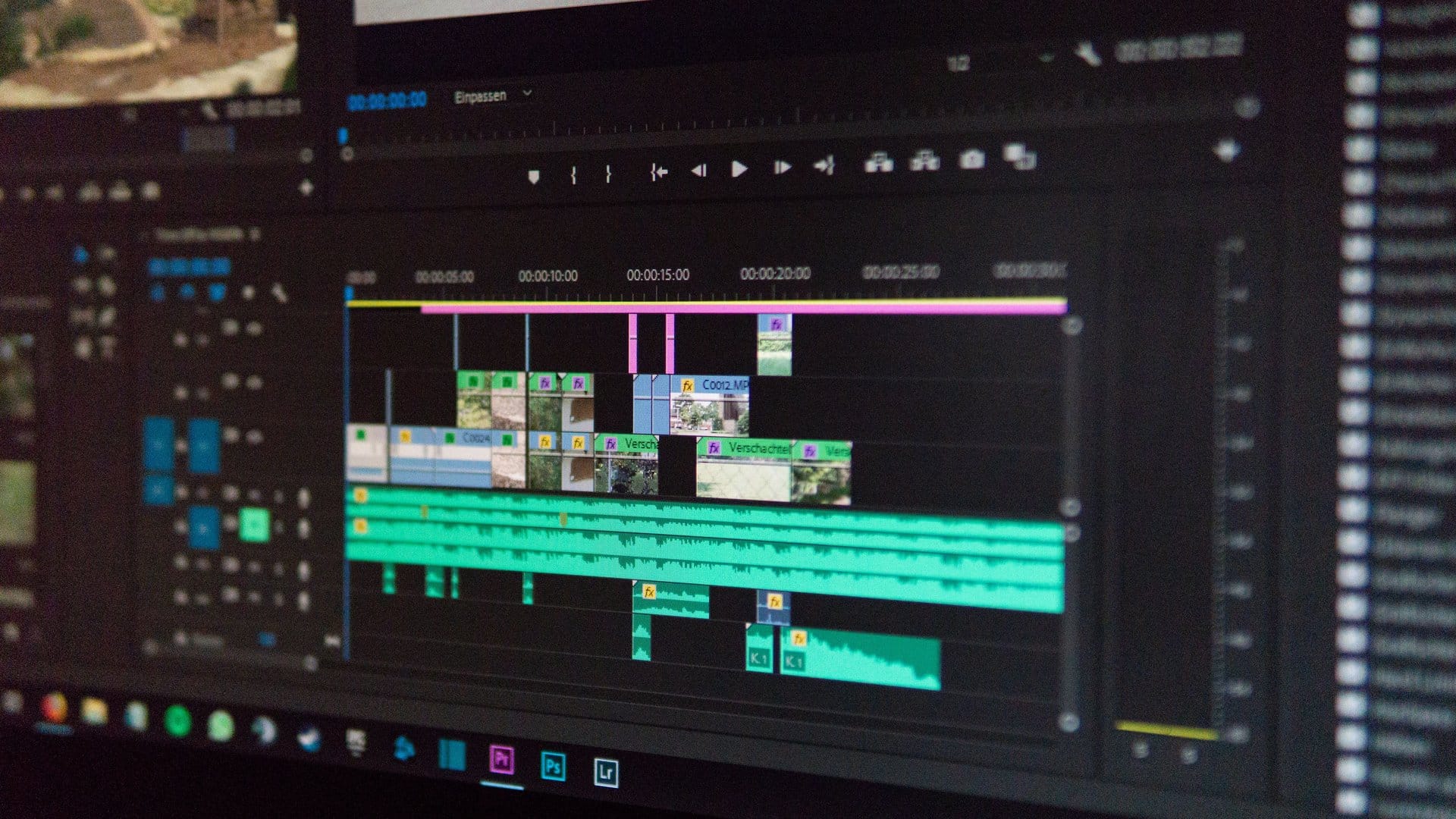
Adobe After Effects is the industry standard for motion graphics and visual effects. If you work in marketing, communications, video production, or creative design, knowing After Effects gives you the ability to produce animated content that static tools cannot.
This post explains what you learn in Adobe After Effects training, who the software is designed for, and how it fits into the broader set of tools working professionals use.
If you want to enroll in instructor-led Adobe training, browse Adobe training programs at Ultimate IT Courses to find a course that fits your schedule.
What Adobe After Effects Does
After Effects is a motion graphics and compositing application. You use it to animate text and graphics, create visual effects for video, build motion transitions, and combine video layers with animation and audio.
It is not a video editor. That distinction matters. Premiere Pro is Adobe’s video editing tool. After Effects is where you create animated elements, add effects to footage, and produce motion content that gets exported and used inside other projects. The two applications are designed to work together, and most professional video workflows involve both.
After Effects is used across a wide range of industries:
- Marketing teams use it to create animated social media content, explainer videos, and branded motion graphics.
- Communications and corporate teams use it to produce training videos, internal presentations, and company reels.
- Creative agencies use it for client campaigns, title sequences, and product demo videos.
What You Learn in Adobe After Effects Training
A structured After Effects course starts with the fundamentals: how the application is organized, how to work with compositions, and how layers are stacked and timed.
From there, training covers keyframe animation. This is the core skill in After Effects. You learn how to set keyframes to control the movement, scale, rotation, and opacity of elements over time. You learn how to adjust easing so that motion looks natural rather than mechanical.
Text animation is a core part of most After Effects training programs. You work with text layers, apply animation presets, and build custom animated titles. This is one of the most practical skills for marketing and communications roles, where animated lower thirds, logo reveals, and typographic sequences are common deliverables.
Motion graphics training introduces shape layers and the tools used to create graphic elements from scratch inside After Effects. You learn how to build icons, infographic components, and animated diagrams without needing to import everything from Illustrator or Photoshop.
Visual effects and compositing cover how to work with video footage. You learn how to apply color correction, blend modes, and effects to footage layers. Green screen keying and motion tracking are topics covered at more advanced levels.
Most courses also cover rendering and export settings. Knowing which format to export for social media, web, or broadcast use matters as much as the animation itself.
Who After Effects Training Is For
After Effects is not an entry-level tool in the sense that it has no learning curve. It rewards time and practice. But the fundamentals are accessible to anyone willing to follow structured instruction.
Marketing coordinators and content creators who need to produce animated assets for social channels are some of the most practical candidates for After Effects training. Short-form animated content is standard on LinkedIn, Instagram, and YouTube. Being able to produce it in-house reduces reliance on external agencies for routine deliverables.
Communications professionals who produce internal videos, training content, or company presentations use After Effects to add motion graphics that make those materials cleaner and more professional.
Graphic designers who already work in Illustrator or Photoshop find After Effects a logical extension of their skill set. The layer-based workflow is familiar, even though the timeline and keyframe model is new.
Video producers working in Premiere Pro use After Effects to build title sequences, lower thirds, and motion graphics packages that get imported back into their edit timeline. If you already work with Premiere Pro, After Effects is the next tool to learn.
The Government of Canada Job Bank shows demand for creative and communications professionals with digital media production skills, particularly in organizations scaling up content for digital channels.
After Effects vs Premiere Pro: What to Learn First
If your primary goal is video editing, start with Premiere Pro. It is designed for cutting footage, sequencing a story, and managing a full video production from raw clips to finished video.
If your primary goal is motion graphics and animation, start with After Effects.
For professionals who want to do both, most training paths recommend learning Premiere Pro first. The editing workflow gives you context for how finished video is assembled. After Effects training then teaches you how to build the motion elements that enhance that work. The two applications integrate directly, so understanding both makes you more capable in either tool.
Adobe’s official learning library at Adobe Help: After Effects Tutorials provides a reference for what the software does across its feature set. Structured training builds faster and provides a more organized path through those skills.
How After Effects Fits Into the Adobe Creative Suite
After Effects integrates directly with Photoshop, Illustrator, and Premiere Pro. You import layered Photoshop files and animate them in After Effects. You import Illustrator files and use them as shape sources for motion graphics. You send finished animated sequences to Premiere Pro using Adobe Dynamic Link, which lets you update the After Effects composition and have the change appear in your Premiere edit without re-exporting.
For professionals who already work in the Adobe ecosystem, adding After Effects is a natural progression. You do not start from scratch learning a new file format or asset workflow. You expand what you do with tools you already use.
If you work in Adobe applications and want to add motion capabilities to your skill set, explore Adobe training courses at Ultimate IT Courses to find options in After Effects, Premiere Pro, Illustrator, and more.
Enroll in Adobe After Effects Training
Instructor-led training is the most effective way to learn After Effects. A guided course covers the core concepts in the right order, gives you structured practice, and answers the questions that come up when you are working through an unfamiliar tool.
Self-study is possible, but After Effects has enough depth that working through a structured program saves time compared to piecing together tutorials on your own.
To find an Adobe After Effects training course or speak with someone about the right fit for your role, contact Ultimate IT Courses to get started.

