
How to Use Azure DevOps in Real Projects
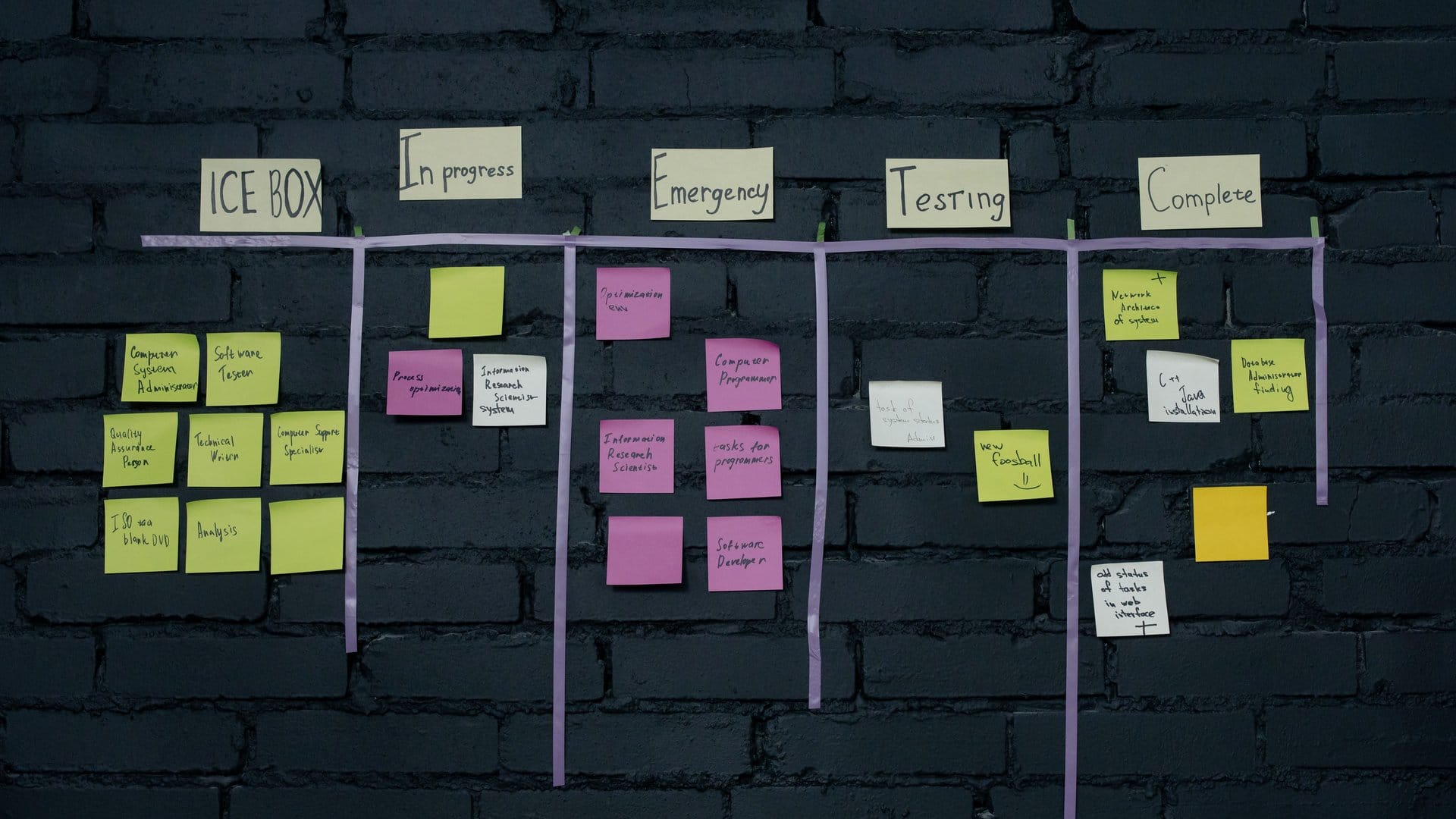
Azure DevOps is a complete platform for software delivery — and learning it in a tutorial is not the same as working with it in production. If you manage infrastructure or work alongside development teams, understanding how Azure DevOps operates in real projects changes what your team ships and how reliably it ships.
This guide covers how the five Azure DevOps services work in practice, how teams connect them, and what certification path helps you formalize those skills.
What Azure DevOps Is
Azure DevOps is a Microsoft platform with five main services: Boards, Repos, Pipelines, Test Plans, and Artifacts. Most teams use two or three together. Understanding what each service does in a working project helps you make better decisions about what to adopt and when.
Azure DevOps is separate from your Azure subscription. You access it at dev.azure.com and manage it independently — though both services connect when you configure deployments to cloud resources. The official Azure DevOps overview on Microsoft Learn covers the full service architecture.
Azure Boards: Work Management for Delivery Teams
Azure Boards handles work items — user stories, tasks, bugs, and features. In real projects, teams configure work item types to match their delivery process. A team running two-week sprints assigns items to iterations and tracks progress on a sprint board.
The backlog is where planning happens. Product owners add items. Developers estimate and refine. Managers track velocity over time. Azure Boards connects to Repos and Pipelines, so commits and build results link directly to the work items they relate to.
Azure Repos: Branch Policies and Code Review in Practice
Azure Repos provides Git repositories for source code. In practice, teams set up branch policies to protect the main branch. A standard setup requires a pull request before any code merges, with at least one reviewer and a passing build pipeline result before the merge completes.
This setup catches problems early. A pull request fails if the pipeline reports a test failure. The code never touches the main branch until someone reviews it and the automated checks pass.
Azure Pipelines: Automated Builds and Deployments
Azure Pipelines handles CI/CD — continuous integration and continuous deployment. A pipeline runs every time code changes. It builds the application, runs tests, and deploys to a target environment.
In real projects, teams build separate pipelines for different stages. A dev pipeline deploys to a development environment after every commit. A release pipeline deploys to production on approval. Each stage includes quality gates: passing tests, security scans, and code coverage thresholds.
Pipelines are defined in YAML files stored in the repository. Keeping pipeline code version-controlled alongside the application code makes changes auditable and reversible.
Azure Artifacts: Package Management Across Projects
Azure Artifacts is a package management service. Teams use it to host private NuGet, npm, or Maven packages. If your project produces shared libraries, Artifacts stores and versions them so other projects reference the same tested build.
In larger organizations, Artifacts feeds connect to upstream public registries. The pipeline pulls packages from the private feed, which proxies public packages and caches them — giving your team control over the packages entering your supply chain.
How the Services Work Together
A developer picks up a work item from the Azure Boards sprint backlog. They create a branch in Azure Repos and write code. When they open a pull request, the CI pipeline starts automatically. Tests run. Security scans run. The reviewer approves. The code merges. The CD pipeline deploys to the development environment. On release day, the pipeline promotes the build to production with a single approval.
Every deployment traces back to a work item. The audit trail is automatic. The process scales the same way for a team of five or a team of fifty.
Research from the DORA research program shows teams with high levels of delivery automation deploy more frequently and recover from failures faster than teams using manual processes. Azure DevOps provides the infrastructure for this automation.
Getting Certified: The AZ-400 Path
The AZ-400 DevOps Engineer Expert certification tests your knowledge of designing and implementing Azure Pipelines, managing security in DevOps workflows, and using Azure Boards for team delivery. Microsoft requires you to pass either AZ-104 (Azure Administrator Associate) or AZ-204 (Azure Developer Associate) before attempting AZ-400.
The certification sits at the expert level — above associate-level Azure certifications. It is aimed at professionals who already work with Azure and want to formalize their DevOps skills.
If you work in software delivery or IT infrastructure and want structured training, explore Microsoft certification programs at Ultimate IT Courses. Courses are instructor-led, available virtually, and offered in small groups.
How to Start With Azure DevOps
Start with Azure Pipelines if your team deploys manually right now. Automating one deployment pipeline delivers immediate productivity improvement. Add Azure Boards next to connect planning to delivery. Branch policies and pull request workflows come in after the team adjusts to automated builds.
Azure DevOps is not a single tool to adopt all at once. Real projects introduce it in stages. Most teams start with Pipelines or Repos and expand from there.
To build structured Azure DevOps skills and prepare for the AZ-400 certification, contact Ultimate IT Courses to get a personalized certification roadmap. You choose the delivery format, schedule, and pace.

