
Network Troubleshooting Skills Every Early IT Professional Should Build
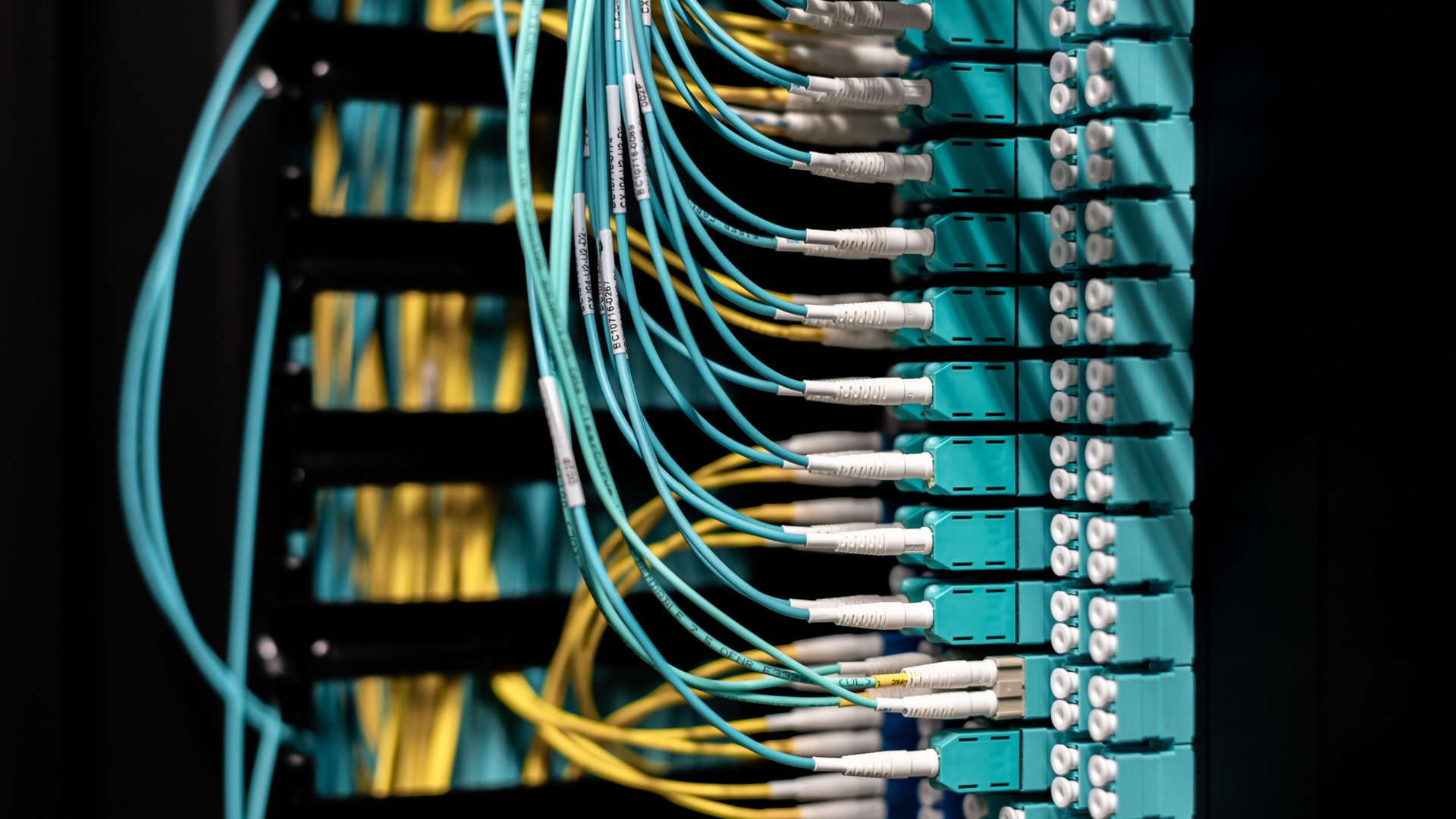
Network troubleshooting skills decide how fast you close tickets. A user says the internet is down, and you need a method, not a guess. If you work help desk or hold a junior admin role, a clear process turns a vague complaint into a fixed problem in minutes.
Ultimate IT Courses trains early-career IT professionals in hands-on networking and systems skills. Get a personalized certification roadmap to see where network troubleshooting fits in your next two years.
Why This Skill Matters in Your Role
Almost every ticket touches the network. A slow application, a dropped video call, a printer nobody reaches. Users describe symptoms. You find the cause.
Managers notice who solves these problems quickly and who escalates everything. Strong troubleshooting separates a technician from a future network or systems administrator.
Start With a Method
Random clicking wastes time. Follow the same steps on every ticket. Identify the problem. Form a theory about the cause. Test the theory. Apply a fix. Confirm the user works again. Write down what you did.
CompTIA builds this routine into its Network+ certification. The order matters because it stops you from changing five settings at once and losing track of what worked.
Ask good questions first. Which device is affected? Does the problem hit one user or the whole floor? What changed recently? Two minutes of questions often save twenty minutes of testing.
Work Up the Layers
The OSI model gives you a map. Start at the bottom and move up.
Check the physical layer first. Is the cable plugged in? Does the link light show on the port? Is the Wi-Fi signal strong? Many outages end here.
Next, check addressing. Does the device hold a valid IP address, or did it fall back to a self-assigned one? A self-assigned address usually means the device never reached the DHCP server.
Then check name resolution. If you reach a site by IP address but not by name, DNS is your problem.
Finally, look at the application. Only blame the software after the layers below it pass.
Commands to Know
Five built-in tools solve most cases. Learn them on both Windows and Linux.
- ping tests basic reachability to a gateway, a server, or an outside address.
- ipconfig on Windows and ip on Linux show your address, gateway, and DNS servers.
- tracert on Windows and traceroute on Linux show each hop between you and a destination, so you spot where traffic stops.
Add nslookup for DNS queries and netstat for open connections. Together these tools answer most first-line questions.
Common Problems and First Checks
Patterns repeat. Learn them and you save hours.
A user with no network access often has a bad cable, a disabled adapter, or a switch port set to the wrong VLAN. A user who reaches local servers but not the internet often has a wrong gateway. A user who reaches sites by address but not by name has a DNS issue. Intermittent drops on Wi-Fi often trace back to interference or an overloaded access point.
Two devices sharing one IP address create strange, random failures. Check for duplicate addresses when symptoms come and go.
Document and Escalate Well
Good notes make you look senior. Record the symptom, the tests you ran, and the results. When you escalate, send those notes with the ticket. The next engineer starts where you stopped instead of repeating your work.
Escalating is not failure. Escalating with evidence is a skill.
Build the Skill in a Lab
You learn faster by breaking things on purpose. Cisco offers Packet Tracer, a free simulator where you build small networks and then introduce faults. Remove a gateway. Mistype a DNS server. Shut down a port. Then find and fix each fault with the commands above.
Repeat each scenario until the method feels automatic. A lab gives you practice without risking a real office network.
Certifications Built Around These Skills
Two entry points match this work. CompTIA Network+ covers troubleshooting as a full exam domain, with scenario questions on tools, cabling, and wireless. Cisco CCNA goes deeper into switching, routing, and configuration, and it suits you if you plan to work with Cisco equipment.
Browse all networking courses or compare paths in the certification catalogue. Pick the path matching the systems you support today.
Where Ultimate IT Courses Fits In
Self-study teaches commands. A small instructor-led class teaches judgment. You work through live faults, ask questions as they appear, and get feedback on your approach. Ultimate IT Courses offers virtual and in-person training across Canada with hands-on labs. Get a personalized certification roadmap and we will match a course to your current role and your next step.

