
DNS and DHCP Basics for Early IT Professionals: How Networks Name and Address Devices
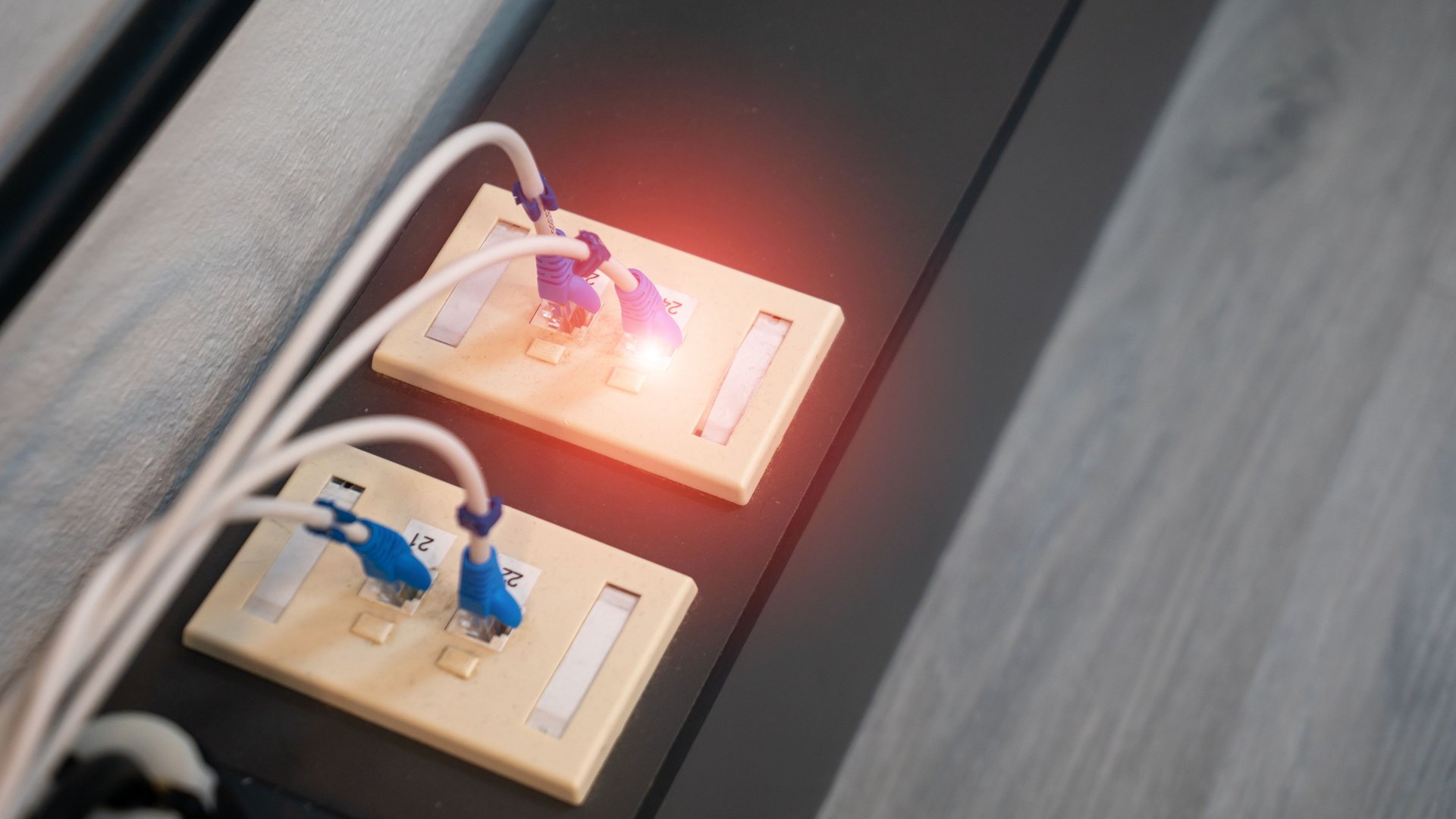
DNS and DHCP basics sit behind a large share of help desk tickets about network outages. A user says the internet is down. Often the real cause is a laptop with no valid IP address, or a name the network fails to resolve. If you work in support or junior administration, learn these two services early. This guide explains how DNS and DHCP work, what breaks, and how to build the skills employers test for.
Want a clear plan for your next certification? Get a personalized certification roadmap built around your current role.
What DHCP Does
Every device on a network needs an IP address, a subnet mask, a default gateway, and DNS server addresses. Dynamic Host Configuration Protocol (DHCP) hands out these settings automatically. Without it, someone would type them into every laptop, phone, and printer by hand.
DHCP follows a four-step exchange. The client broadcasts a search for a server. The server replies with an offer. The client requests the offered address, and the server sends an acknowledgement. Technicians call this exchange DORA, after the first letter of each message. The full process is defined in RFC 2131, the standard every DHCP server follows.
Each address comes with a lease. When half the lease time passes, the client tries to renew it. Short leases suit busy guest networks. Longer leases suit offices where the same devices connect every day.
What DNS Does
The Domain Name System (DNS) translates names people remember into IP addresses computers use. When you type a website name, your computer asks a DNS resolver for the matching address. The resolver checks its cache first. If the answer is missing, it queries root servers, then top-level domain servers, and finally the authoritative server for the domain. The Cloudflare DNS learning guide walks through each step with clear diagrams.
Inside a company, DNS matters even more. Active Directory depends on it. Domain controllers register service records in DNS, and workstations use those records to find a controller at sign-in. A wrong DNS setting on one laptop often shows up as a login failure, not a network error.
Records You Should Know
You do not need to memorize every record type on day one. Start with the ones you will see every week:
- A and AAAA records map a name to an IPv4 or IPv6 address.
- CNAME records point one name to another name, a common choice for aliases such as a web portal.
- MX records tell other mail servers where to deliver email for your domain, and PTR records handle reverse lookups from address to name.
SRV records come next. You will meet them as soon as you support Active Directory.
How DNS and DHCP Work Together
The two services depend on each other. DHCP gives each client the address of its DNS servers. In a Windows environment, the DHCP server also registers client names in DNS so other systems find them by name. Microsoft documents this setup in its Windows Server DNS overview.
Problems in one service often look like problems in the other. A wrong DNS server in a DHCP scope breaks name resolution for every device on the subnet. Stale DNS records left behind after a lease expires send traffic to the wrong machine.
Common Problems and First Checks
Most DNS and DHCP tickets follow a few patterns. Learn to check them in order.
First, check the IP address. On Windows, run ipconfig /all. An address starting with 169.254 means the device failed to reach a DHCP server. Look at the cable, the Wi-Fi connection, the switch port, and whether the DHCP scope has run out of addresses.
Second, test name resolution. Run nslookup followed by a known name. If the lookup fails but a ping to an IP address works, the problem sits with DNS, not the network path.
Third, clear stale data. Run ipconfig /flushdns to empty the local cache. Run ipconfig /release and then ipconfig /renew to request a fresh lease. Write each step in the ticket so the next technician sees your work.
Watch for rogue DHCP servers too. A home router plugged into an office wall jack starts handing out wrong addresses to nearby devices. Switches with DHCP snooping turned on block this, and you will configure the feature in Cisco training.
Build the Skills in a Home Lab
Reading about DNS and DHCP helps. Configuring them teaches you far more. Set up a small lab with a Windows Server evaluation copy or a Linux virtual machine. Install the DHCP role, create a scope, and connect a client. Then add a DNS zone, create A and CNAME records, and test them with nslookup.
Break things on purpose. Exhaust the scope. Point the client at the wrong DNS server. Delete a record and watch what fails. Each fix builds the troubleshooting instinct employers look for in interviews.
Certifications Covering DNS and DHCP
Several entry-level and associate certifications test these topics directly. CompTIA Network+ covers DNS record types, DHCP operation, and structured troubleshooting. See our CompTIA courses for current dates.
Cisco CCNA goes deeper into DHCP relay, DHCP snooping, and how routers forward requests across subnets. Our networking training and Cisco courses build these skills with hands-on labs.
If you support Windows environments, the Microsoft administrator tracks cover DNS and DHCP roles in Windows Server and hybrid setups. Browse our Microsoft training to compare options.
Next Step
Pick one service this week. Build it in a lab, break it, and fix it. Then choose the certification matching the job you want next.
We do not promise a job or a salary. We do offer small, instructor-led classes where you practise on real systems and get answers to your own questions.
Ready to plan your path? Get a personalized certification roadmap and we will match training to your experience and goals.

