
Adobe Photoshop for Beginners: What You Will Learn
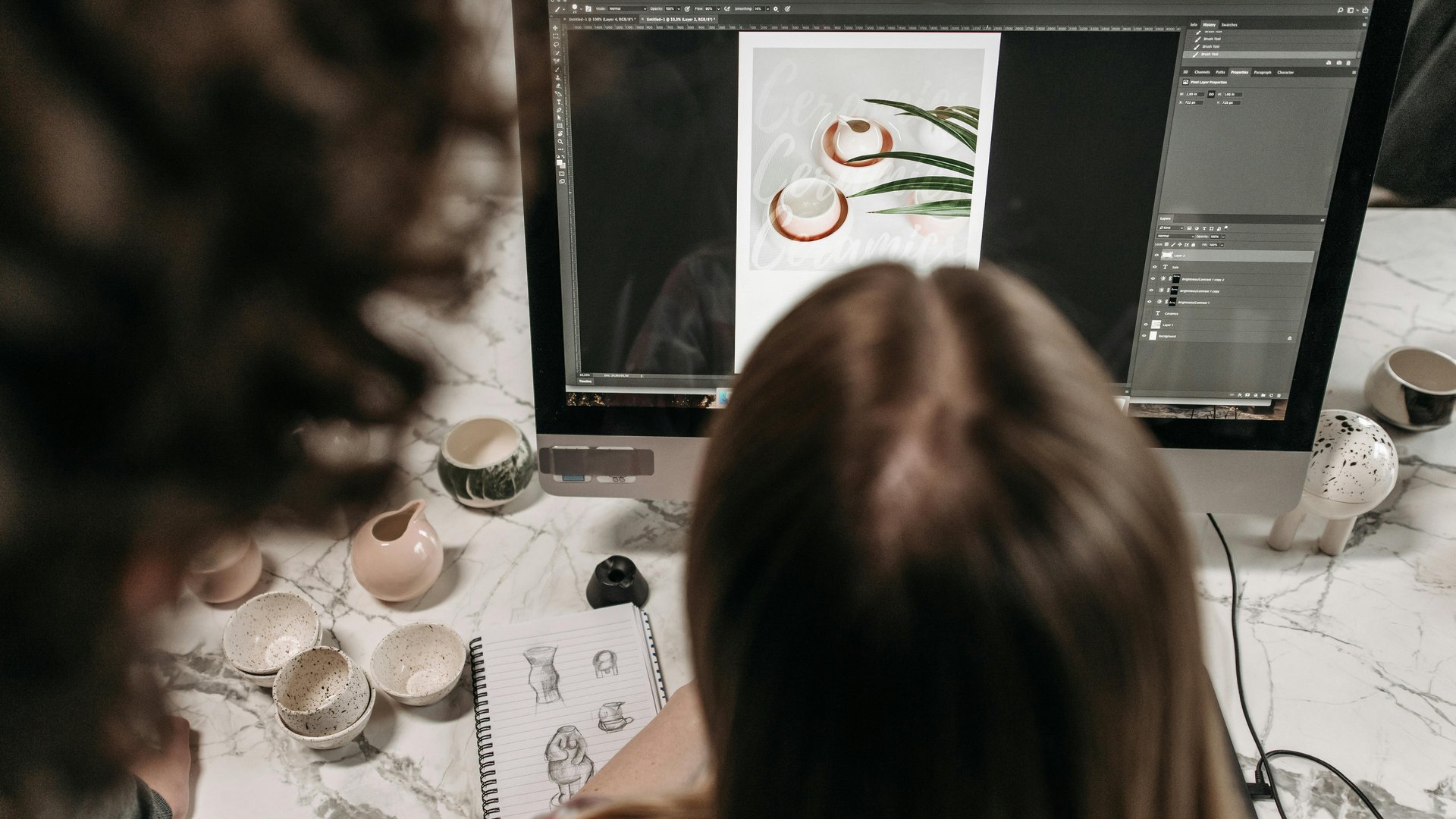
Adobe Photoshop is one of the most widely used tools in the world, but most beginners have no idea where to start. If you have opened Photoshop and felt overwhelmed, you are looking at the right guide. This article explains what you will actually learn as a beginner — and what kind of work you will be able to do when you finish training.
Photoshop is not just for photographers or graphic designers. Marketing teams use it to build visuals for campaigns. Communications staff use it to resize and retouch images for reports and presentations. Administrative professionals use it to create branded materials for internal use. If your work involves images, documents, or visual content of any kind, Photoshop is a skill worth developing.
The challenge is that Photoshop has hundreds of tools, panels, and settings. Without structured training, most people spend hours experimenting and getting frustrated. A beginner course gives you a direct path to the skills you will use most — without wasting time on features you will not need right away.
You can explore available Adobe training courses at Ultimate IT Courses to see what beginner and intermediate options are on offer.
The Photoshop Interface: Where Beginners Start
Before you edit a single image, you need to understand how Photoshop is organized. The workspace is built around panels, toolbars, and layers. A beginner course starts here because everything else depends on it.
You will learn how to open and save files in different formats, how to set up your workspace for different tasks, and how to navigate large images without losing your place. These basics sound simple, but they determine how efficiently you work once you start editing.
You will also learn how to use the Layers panel, which is one of the most important concepts in Photoshop. Layers let you work on different parts of an image independently, so you can make changes without affecting the rest of your work. Once you understand layers, Photoshop becomes significantly easier to work with.
Core Editing Skills You Will Build
A beginner course covers the editing tasks you will encounter most often in a professional setting. These include:
- Cropping and resizing images for web, print, and social media formats
- Adjusting brightness, contrast, colour balance, and saturation
- Removing backgrounds and isolating subjects using selection tools
You will learn how to use adjustment layers to make non-destructive edits. Non-destructive editing means your original image stays intact while you apply changes on top of it. This is a professional standard — it lets you experiment freely and undo changes at any point without starting over.
You will also learn how to retouch images. Retouching includes removing blemishes, cleaning up backgrounds, and fixing lighting issues in photos. These skills apply directly to work tasks like preparing headshots for staff directories, cleaning up product images for internal materials, or improving photos before they go into a report or presentation.
Working With Text and Graphics
Photoshop is not only for photo editing. Many office professionals use it to create visual assets that include text and design elements. A beginner course teaches you how to add and format text, work with shapes, and create layered compositions that combine images and graphics.
You will learn how to build simple graphics for internal communications, social media, or training materials. You will understand the difference between pixel-based and vector elements, and when each approach applies to your work.
For professionals who create materials for marketing or communications, this is one of the most immediately useful parts of the training. You do not need to rely on a designer for every minor image update or visual asset when you know how to do it yourself.
Exporting and File Formats
One area beginners often overlook is output. Photoshop supports dozens of file formats, and choosing the wrong one causes problems — images that look blurry on screen, files too large to send by email, or graphics that lose quality when printed.
A beginner course covers how to export files correctly for different uses. You will learn when to use JPEG vs PNG, when to use high-resolution TIFFs for print, and how to save web-optimized files that load quickly without sacrificing quality.
You will also learn how to work with PSD files — Photoshop’s native format — which keeps all your layers intact so you or a colleague can open the file later and continue working on it. This is an important habit in any team environment where files get passed between people.
What You Can Do After a Beginner Course
After completing beginner Photoshop training, you will be able to handle the most common image editing tasks that come up in office and communications work. You will be comfortable preparing images for documents, reports, presentations, and web use. You will be able to retouch photos, remove backgrounds, resize images without distortion, and create simple visual compositions.
You will not yet be a specialist graphic designer — that takes more training and practice. But you will be fully capable of doing image work that would otherwise require you to send requests to a design team or outsource to a contractor.
Research published by the National Academies of Sciences, Engineering, and Medicine consistently supports the idea that skill-based training with direct application to job tasks produces the fastest outcomes for working adults. Photoshop training is a clear example: the skills you learn in a course apply directly to work you are already doing or will be asked to do.
Adobe’s own Photoshop tutorial library is a useful reference for exploring specific features, but structured training gives you a faster and more organized path than self-guided tutorials alone.
Who Should Take a Photoshop Beginner Course
This training is for anyone who works with images, documents, or visual content as part of their job. That includes marketing coordinators, communications staff, administrative professionals, project coordinators, and anyone responsible for creating or managing materials that include photos or graphics.
You do not need a design background. You do not need previous experience with Photoshop or any other image editing software. A beginner course starts from the beginning and builds your skills step by step.
If you work in a team that produces a lot of visual content, Photoshop training is also worth considering as a group investment. Teams that share a working knowledge of the tool spend less time waiting on revisions and work more efficiently when deadlines are tight.
Start Learning Photoshop With Structured Training
Photoshop is a tool that rewards structured learning. The interface is complex enough that self-teaching tends to leave significant gaps — skills you did not know you were missing until you encounter a task you cannot complete.
A beginner course gives you a complete foundation. You learn the right techniques from the start, in the right order, with hands-on practice built in. That is a faster path to being productive than experimenting on your own.
Explore the Adobe training options at Ultimate IT Courses to see what courses are available and which format works for your schedule. If you want guidance on which course fits your current skill level and work goals, get in touch with our team and we will point you in the right direction.

